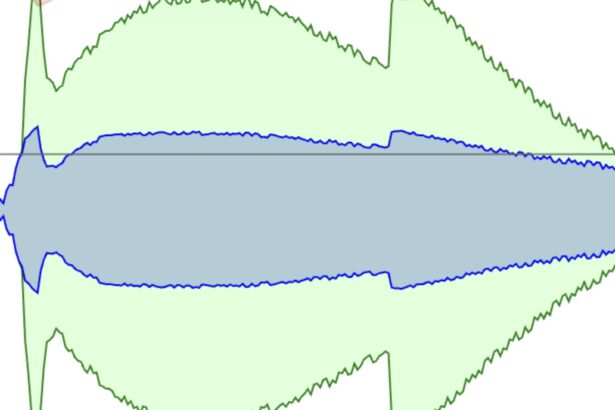
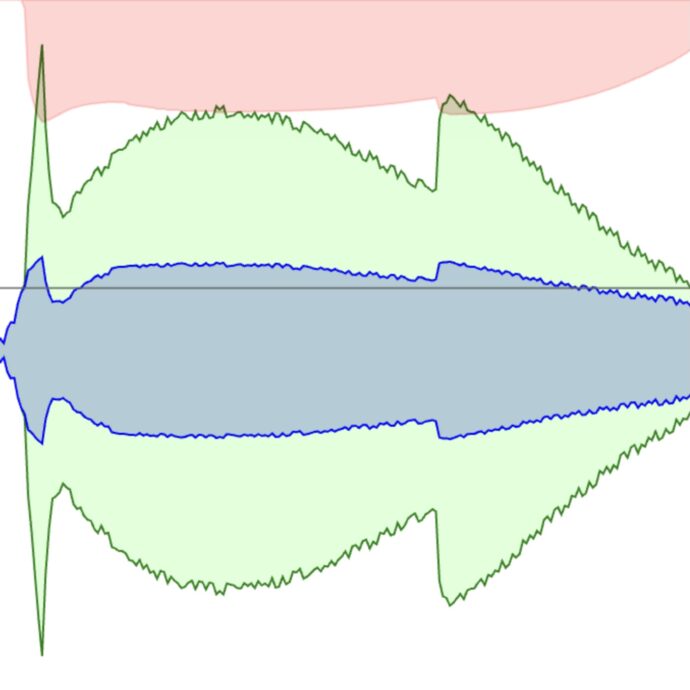
Compression, and other dynamic audio controls, affect the volume of an audio signal. Compression reduces the difference between the loudest and quietest parts of a sound, making the overall level more consistent. This is commonly used in vocals to make words more legible, to make drums and guitars more even, or in broadcasting to maintain a steady volume level.
Think of compression like an automatic volume control, with specific controls:
- Threshold: the level at which compression activates. Anything louder than the threshold gets turned down.
- Ratio: the amount the volume is turned down, expressed in a ratio (4:1, 8:1, etc). This helps maintian more natural sound–it doesn’t remove the dynamic range, just shrinks/compresses it. A special type of compressor called a limiter won’t allow any sound beyond the threshold.
- Attack: how fast the compressor responds once a sound passes the threshold
- Release: how long the compressor holds the volume down once a sound drops below the threshold
- Make-up Gain: boosts the compressed signal to bring it back to desired volume
Beginners can trust presets for ratio, attack, and release and only adjust the threshold so your sound is effected, and many plug-ins offer automatic make-up gain.
Examples:
Here is a dry vocal, recorded live (you can hear the mic also picks up drum sounds from the stage). Notice how the volume is inconsistent. In the first sung line, “do you wanna” is noticeably louder than the words “be my baby”:
Here is the same recording, with compression. Notice how the vocal volume is more consistent.